Sign Up
WhookTown uses magic link authentication - no password required! Simply enter your email and click the link we send you.
Creating Your Account
Step 1: Go to the Login Page
Visit app.whook.town to access the login page.
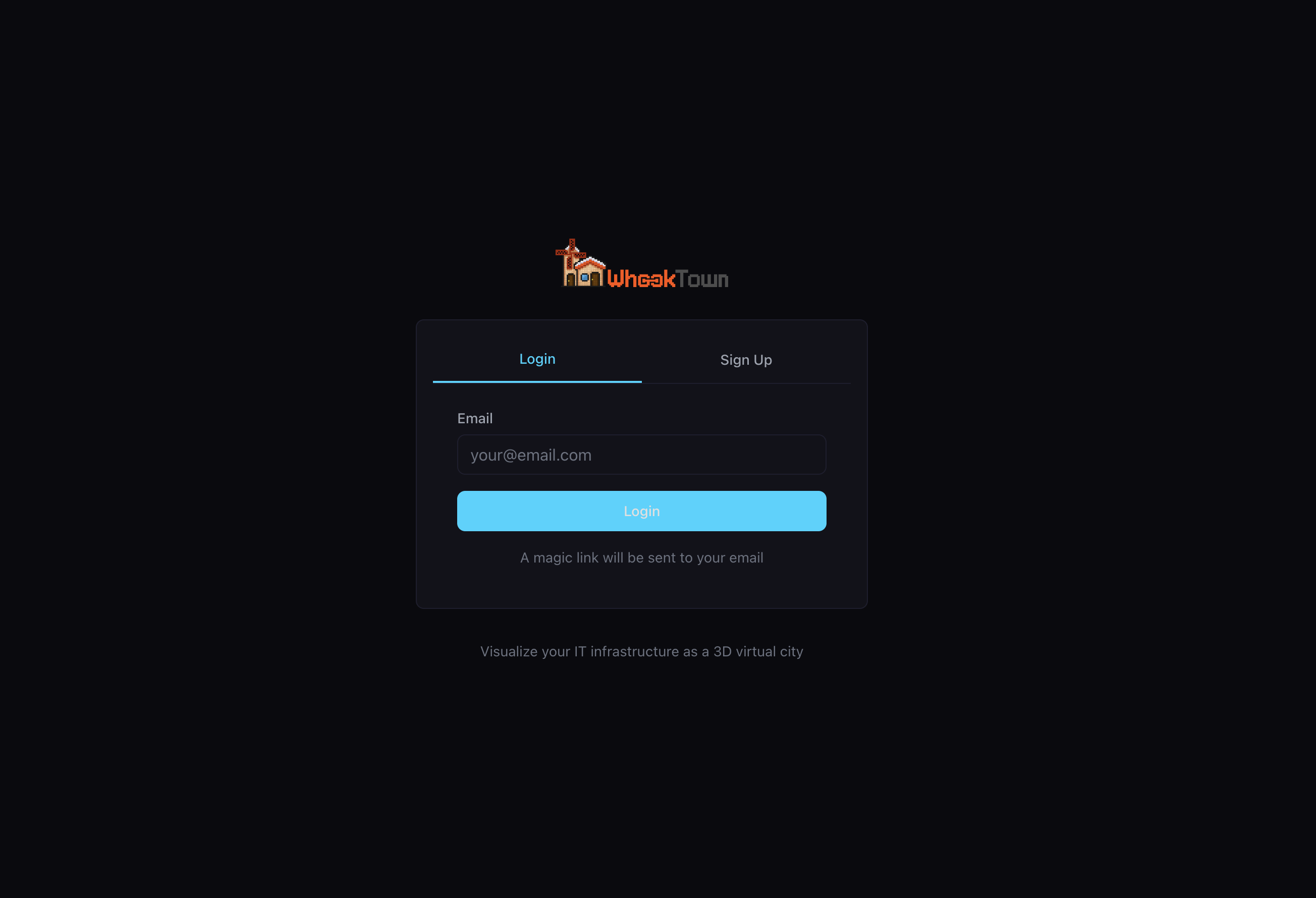
Step 2: Choose Sign Up
Click the Sign Up tab to create a new account.
Step 3: Enter Your Email
Type your email address in the input field. This will be your account identifier.
Step 4: Click Sign Up
Press the Sign Up button. You'll see a confirmation message:
"A magic link will be sent to your email"
Step 5: Check Your Email
Open your email inbox and look for an email from WhookTown. Click the validation link in the email.
Check your spam folder
If you don't see the email within a few minutes, check your spam or junk folder.
Step 6: You're In!
After clicking the link, you'll be automatically logged in and redirected to the dashboard.
Logging In (Existing Accounts)
If you already have an account:
- Go to app.whook.town
- Stay on the Login tab
- Enter your email address
- Click Login
- Check your email and click the magic link
Session Duration
Your login session remains active for an extended period. You'll only need to re-authenticate when:
- You manually log out
- Your session expires (after several days of inactivity)
- You clear your browser data
Multiple Devices
You can be logged in on multiple devices simultaneously. Each device will have its own session.
Troubleshooting
I didn't receive the email
- Check your spam/junk folder
- Verify you entered the correct email address
- Wait a few minutes and try again
- Contact support if issues persist
The link expired
Magic links expire after 24 hours. Request a new one by attempting to log in again.
I want to change my email
Contact support to update your account email address.
Next: Create your first city