Building Types
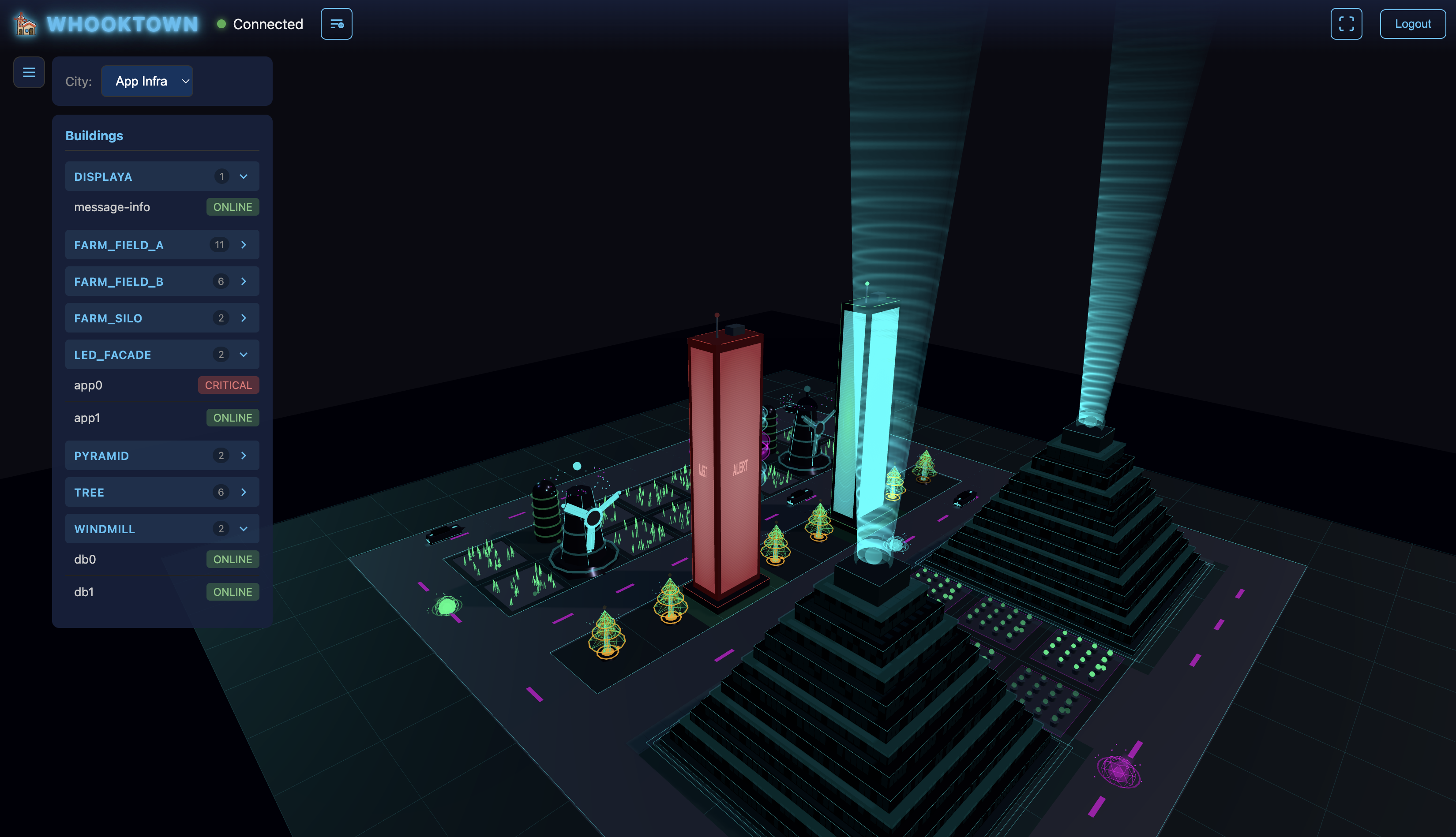
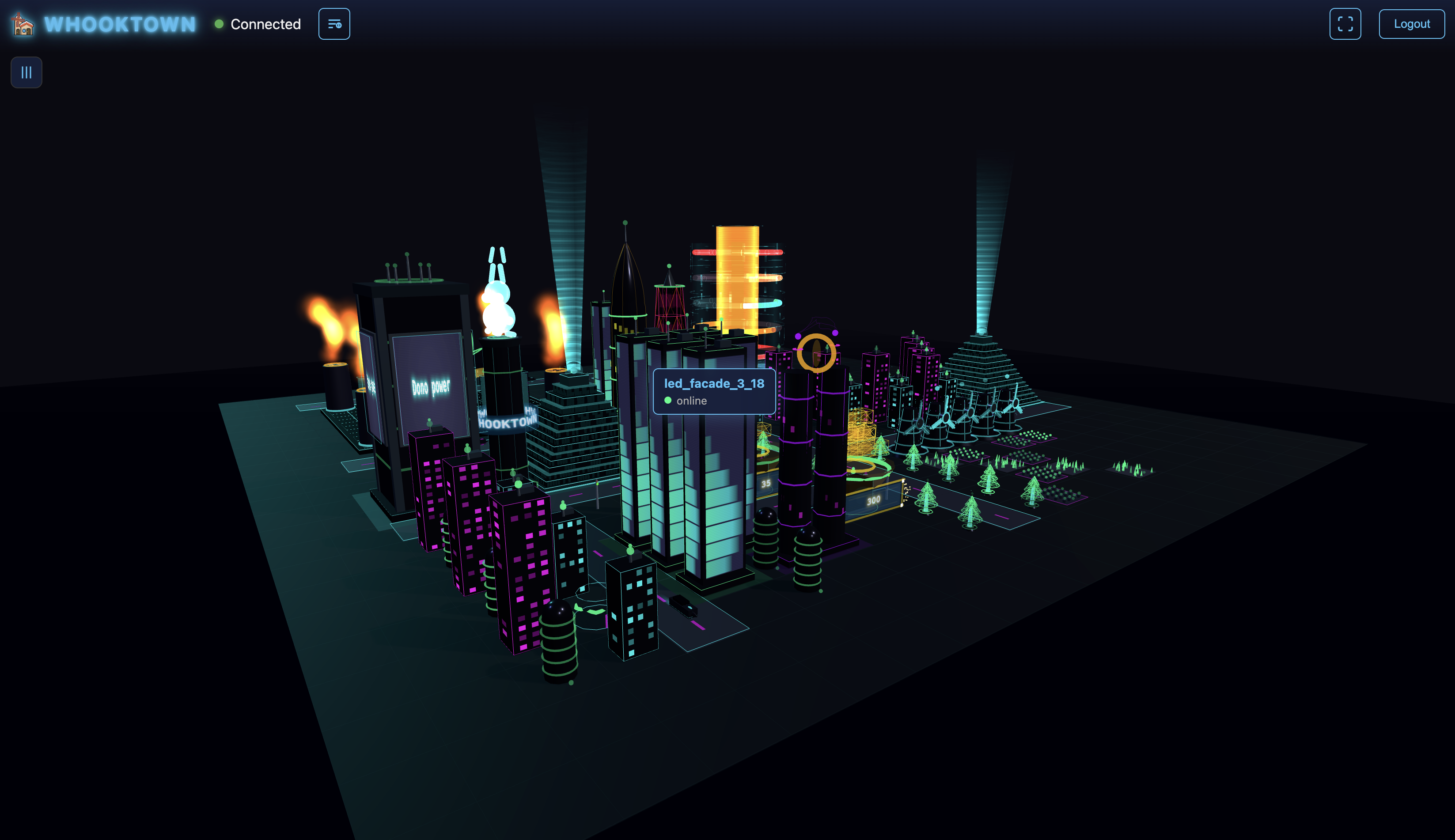
WhookTown features 27 unique building types, each with distinctive visual effects and customization options.
Status Colors
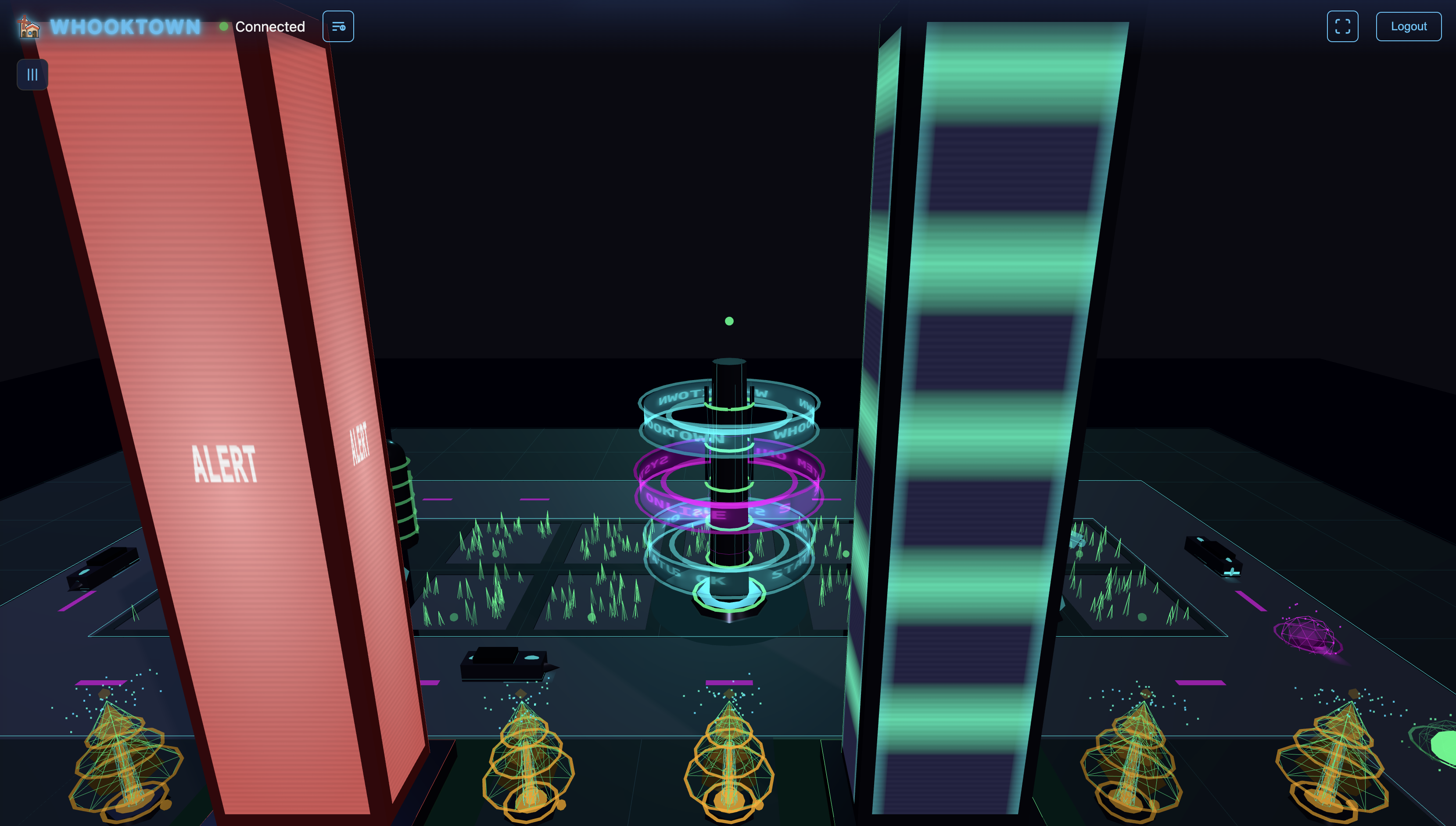
All buildings display their operational status through color:
| Status | Color | Hex | Visual Effect |
|---|---|---|---|
| Online | Neon Green | #00ff88 |
Active animations, bright glow |
| Warning | Orange | #ffaa00 |
Pulsing orange glow |
| Critical | Red | #ff4444 |
Rapid pulsing, fire effects |
| Offline | Grey | #666688 |
Desaturated, minimal animation |
Activity Levels
Animation speed reflects activity:
| Activity | Speed | Description |
|---|---|---|
| Slow | 0.5× | Reduced animation speed |
| Normal | 1.0× | Standard speed |
| Fast | 2.0× | Increased speed |
Building Catalog
Infrastructure
Windmill (1×1)
Energy turbine with rotating blades.
- Blades: Rotation speed matches activity level
- Neon rings: Cyan glowing rings around tower
- Plasma core: Dynamic glowing center
- Energy particles: Floating particles around blades
- Status light: Beacon at top
Data Center (3×3)
Large server facility with comprehensive monitoring displays.
- Server racks: 10 racks with animated LED cascades
- Cooling towers: 4 corner units with rotating fans and vapor
- Holographic core: Central projection with orbital rings
- Metrics displays:
- CPU Usage gauge (0-100%)
- RAM Usage gauge (0-100%)
- Network Traffic visualization
- Active Connections counter
- Temperature bar
- Alert beacon (pulses with status)
- Grid floor: Scanning pulse waves
Arcade (1×2)
Cyberpunk arcade storefront with animated visualization.
- Neon sign: "FAX'S ARCADE" with fixed white text + cyan glow
- Orange frame: Rounded neon border (Tron style, fixed #ff6600)
- 32-bar equalizer: Animated FFT-style visualization
- Side panel games: Snake (left), Space Invaders (right) on 18×30 pixel grids
- Cabinet silhouettes: 3 arcade machines with mini-FFT screens
- Windows: 2 rows × 3 windows above sign section
- Elevator: Animated cursor on back wall (cyan glow)
- Neon edges: Building outline with pulse effects
- Glitch effect: Random flicker on sign
Customizable: Sign text, equalizer on/off
Fixed elements (don't change with status):
- Sign text: white + cyan glow
- Sign frame: orange neon (#ff6600)
Bank (1×1)
Financial building with gold display.
- Gold hologram: Shows quantity (0-3 gold bars)
- Amount display: Holographic projection with numbers
- Vault door: Animated security shield
- Neon edges: Tron-style cyan/magenta lines
- Security columns: Holographic projectors
- Data particles: Transaction visualization
Customizable: Quantity (none/low/medium/high), Amount
Pyramid (3×3)
Mystical stepped structure.
- 15 tiers: Stepped design from base to apex
- Procedural windows: 70% randomly illuminated
- Beam shader: Status-colored light beam from apex
- Energy scaling: Beam width narrows toward top
- Glowing tiers: Neon accents on each level
Supervisor (4×4, Floats)
Giant monitoring face at height 10 units.
- Wireframe face: 6×8×5 units, tilted at -45°
- Glowing eyes: Color changes with status
- Tracking pupils: Follow camera/activity
- Face rotation: Toggle-able scanning behavior
- Floating animation: Bob and breathing effect
- Scanline shader: CRT-style horizontal lines
Customizable: Face rotation on/off
Tower A & Tower B (1×1)
Communication towers with LED displays.
- LED text display: Customizable scrolling text
- Antenna elements: Structural details
- Status beacon: Glowing top light
- Tower B variant: Adds holographic dancer option
Customizable: Tower text
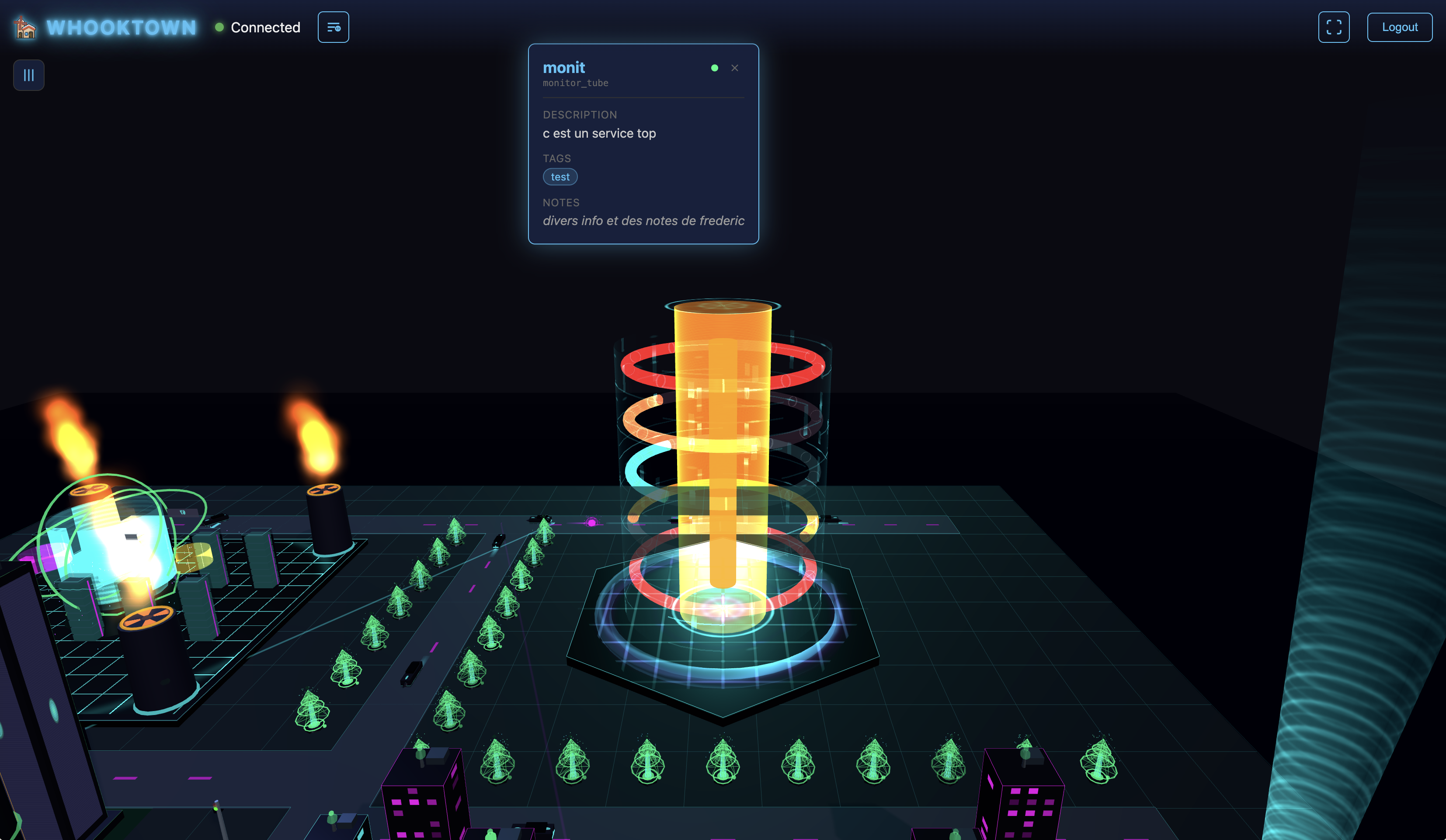
Monitor Tube (3×3)
Holographic monitoring cylinder.
- Central cylinder: 5.6 units tall hologram
- 3-7 ring bands: Horizontal metric displays
- Band metrics: Individual 0-100% gauges
- Rotating rings: Speed varies with activity
- Base halo: Pulsing glow ring
- Circuit pattern: Outer shell details
- Scanlines: Holographic flicker effect
Customizable: Band count (3-7), Band values
Display A (2×2)
LED ring display tower.
- 1-8 LED rings: Floating horizontal rings
- Custom text: 3 lines of customizable text
- Rotating structure: Continuous animation
- Neon glow: Status-colored illumination
Customizable: Ring count (1-8), Text 1/2/3
Spire (2×2)
Tall ovoidal tower (KK100-inspired).
- Ovoidal shape: Curved tapering profile
- Window grid: Illuminated floors
- Neon edges: Vertical accent lines
LED Facade (1×1)
Building with animated LED displays.
- LED panels: Animated patterns
- Alert text: Can display "ALERT" or custom text
- Color transitions: Status-based
Diamond Tower (2×2)
Crystalline faceted structure.
- Faceted geometry: Angular crystal shape
- Reflective surfaces: Light play
- Status glow: Inner illumination
Twin Towers (2×2)
Connected dual towers.
- Two towers: Side-by-side structures
- Electric arcs: Energy connections between them
- Synchronized animation: Both pulse together
Residential
House A (1×1)
Compact hexagonal habitation pod.
- Dome top: Glowing cap
- Neon ring: Cyan band around middle
- Minimal animation: Subtle glow
House B (2×2)
Medium skyscraper (8-12 stories).
- Animated windows: Strip of lit windows
- Vertical neon: Edge lighting
- Pulsing opacity: Window glow animation
- Angular roofline: Modern architecture
House C (2×2)
Tall cyberpunk tower (12-16 stories).
- Dense windows: Many illuminated floors
- Intense glow: Stronger neon effects
- Complex roofline: Futuristic details
Farm
Farm Buildings A & B (1×1)
Agricultural structures with warm aesthetics.
Farm Silo (1×1)
Cylindrical storage with metallic finish.
Farm Fields A & B (2×2)
Large crop field representations.
Cattle (2×2)
Livestock area visualization.
Utilities
Traffic Light (1×1)
Status indicator light.
- Sphere light: Changes color with status
- Online = Green
- Warning = Yellow
- Critical/Offline = Red
- Metallic pole: Support structure
Tree (1×1)
Holographic tree.
- Foliage structure: Translucent holographic leaves
- Floating particles: Ambient particles around canopy
- Soft glow: Green-tinted illumination
Building Gallery
Construction Animation
When buildings are added or changed, they appear with a cinematic construction effect:
- Holographic wireframe: Red grid lines appear
- Material fade-in: Surfaces materialize with flicker
- Color transition: From holographic red to final color
- Neon edges: Glow in last
- Duration: 1-2 seconds per building
Deconstruction reverses this effect when buildings are removed.