3D Scene Overview
The WhookTown 3D Scene at scene.whook.town is where your infrastructure comes alive as a cyberpunk virtual city.
Accessing the Scene
From the Web App
- Log in to app.whook.town
- Click Launch WhookTown button in the header
- A new tab opens with the 3D scene
Direct Access
- Go to scene.whook.town
- Log in with your WhookTown account
- Your layout loads automatically
First Launch
Click to Enter
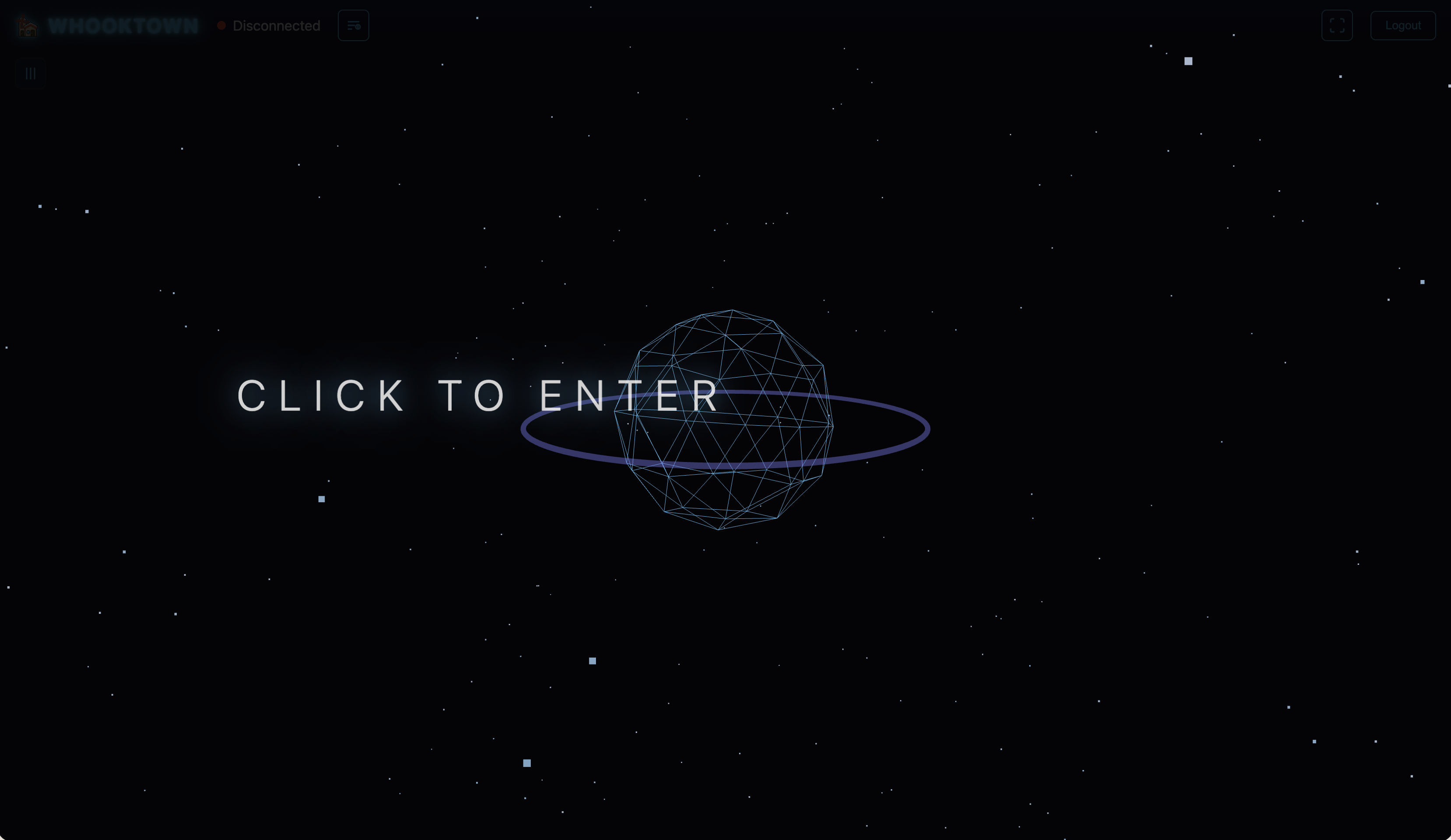
You may see a "Click to Enter" overlay when first loading:
This screen features: - Floating particles in cyan and purple - Wireframe icosahedron with animated pulse - Purple ring (torus) rotating around it - "CLICK TO ENTER" text
Click anywhere to enter the city.
Intro Animation
On first load, the city reveals itself with a cinematic sequence:
- Dark phase (0.5s) - Scene starts dark
- Grid phase (2.5s) - Grid lines illuminate with flickering effects
- Dawn phase (3s) - Lights fade in, horizon glows
- Roads phase - Roads construct left-to-right with holographic effect
- Buildings phase (~9s) - Buildings appear with staggered construction animations
Interface
Header Bar
- WHOOKTOWN logo
- Connection status - Green "Connected" or Red "Disconnected"
- Settings icon - Configuration options
- Fullscreen button - Toggle fullscreen mode
- Logout - Sign out
Sidebar (Left)
Click the hamburger icon to toggle the sidebar with scene options.
Features
Real-Time Updates
The scene connects via WebSocket and receives:
- Building state changes (status, activity)
- Traffic commands (density, speed)
- Camera commands (position, mode, paths)
- Popup/label visibility toggles
Changes appear instantly without page refresh.
Multiple Viewers
Multiple users can view the same layout simultaneously:
- Each viewer appears in Control Center's Connected Scenes
- Camera commands can control individual viewers
- State changes sync across all viewers
Guides
-
Learn camera controls: Orbit, FPS, and Flyover modes
-
Explore all 27 building types and their visual effects
-
Click, hover, and label controls
Technical Requirements
Supported Browsers
- Chrome 90+ (recommended)
- Firefox 88+
- Safari 14+
- Edge 90+
Hardware
- Modern GPU recommended for best performance
- Minimum 4GB RAM
- Stable internet connection for WebSocket
Mobile
The scene works on mobile devices but with limited controls:
- Touch to rotate
- Pinch to zoom
- Limited FPS mode support